Modern co-parenting across every home.
Your child lives in two homes. Kids Link keeps the schedule, the activities and the handovers in one place for both parents, while each home keeps its own calendar private.
Kids Link is on its way. Famnly, the family calendar it lives in, is ready today.
Two homes. Same childhood.
The everyday things fall through the cracks first: who has football this week, when the maths test is, where the gym bag went. Kids Link puts both parents on the same page, without putting them in the same house.
Three steps, then it just runs.
Link your child
You already have your family in Famnly. Pick the child who lives in two homes and send the other parent an invite. They join from their own Famnly, with their own family.
Agree on the schedule
One of you proposes the usual weeks and the next switch. The other accepts, and the custody schedule is drawn into both calendars, in each child's colour.
Share what you choose
Football, the dentist, the school play: share an event with the other home with one tap, or a whole series. Everything else in your calendar stays yours.
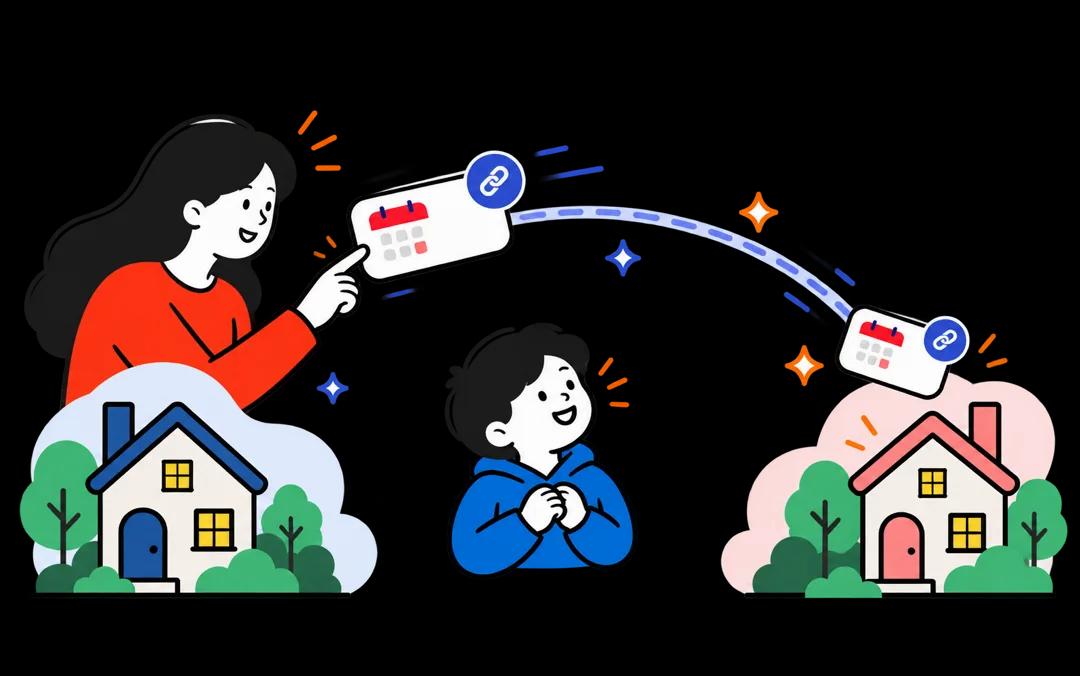
Everything co-parents coordinate, nothing they don't.
Kids Link lives inside the Famnly calendar you already use, so there is no second app to check. The other parent sees exactly one thing: your child's shared column.
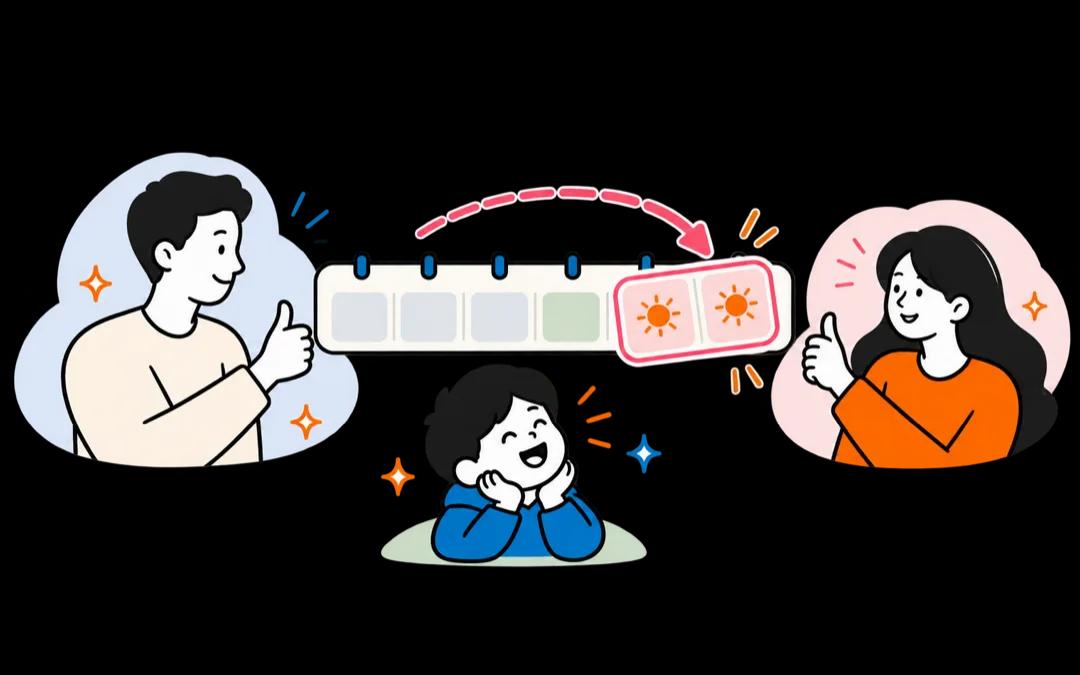
The custody schedule, in the calendar
The agreed weeks are drawn along each day, so both of you see at a glance where your child sleeps tonight and when the next switch is.
Swaps the other parent answers
A work trip on Friday? Ask for a swap with a note and a reply-by date. Nothing changes until the other parent accepts. Holiday plans and a new regular schedule work the same way.
Share event by event
An event you share goes to the other home with its time, place and notes. Unshare it any time. Nothing is ever shared on its own.
A handover brief
Before each switch, the parent taking over gets a short brief: what is coming up in the days ahead, from both homes.
One school timetable
Snap a photo of the school schedule once and it belongs to both homes. Either parent changes it, the other is told.
A quiet chat
A private chat between the two parents, and a thread on every request, so the swap and the talk about the swap stay together.
Told when it matters
A shared event changed, a request answered, a handover tomorrow: each parent is notified in their own language and time zone.
Blended families welcome
Each child has their own link, so two children with two other parents work fine. Your partner and your other kids live in your Famnly family as usual.
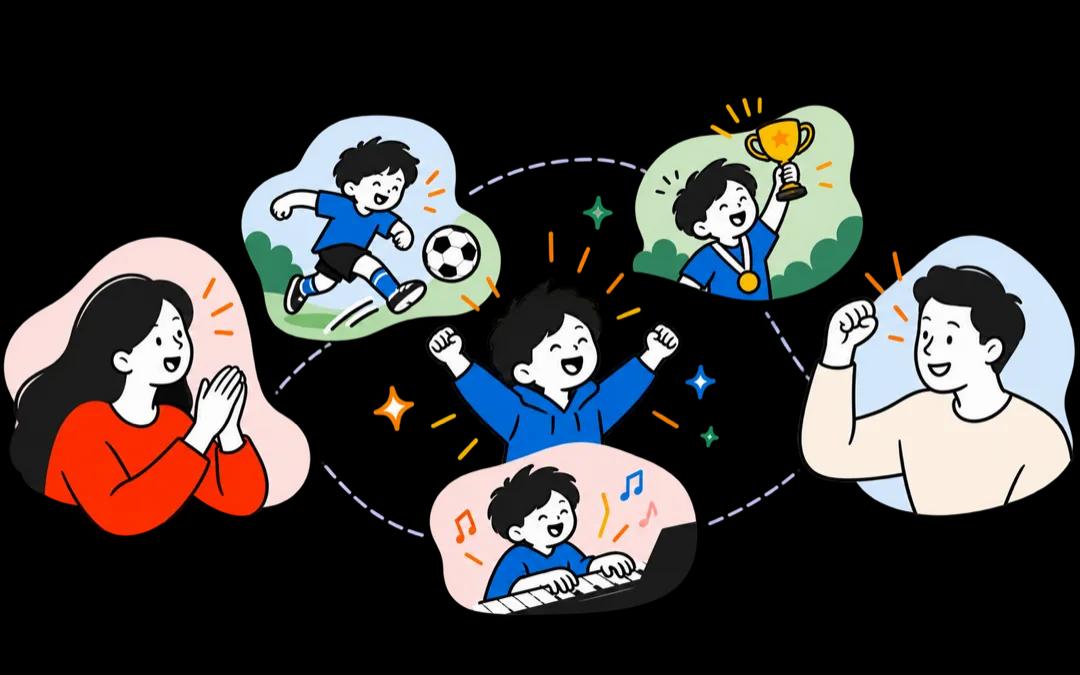
Both homes on one phone.
If your child has Famnly on their own device, their calendar shows the shared plans from both homes and where they are each week. Whichever home they are in, the week looks the same.
- Shared events from both homes, in one column
- The custody schedule, so they always know whose week it is
- Their own plans, which both parents can see
- Nothing about either parent's own calendar
The other parent sees your child, not your life.
Kids Link was built so that two homes can share a child without sharing anything else. The other parent is never a member of your family in Famnly, and no one else in either home can see the link.
Read the Famnly privacy policy →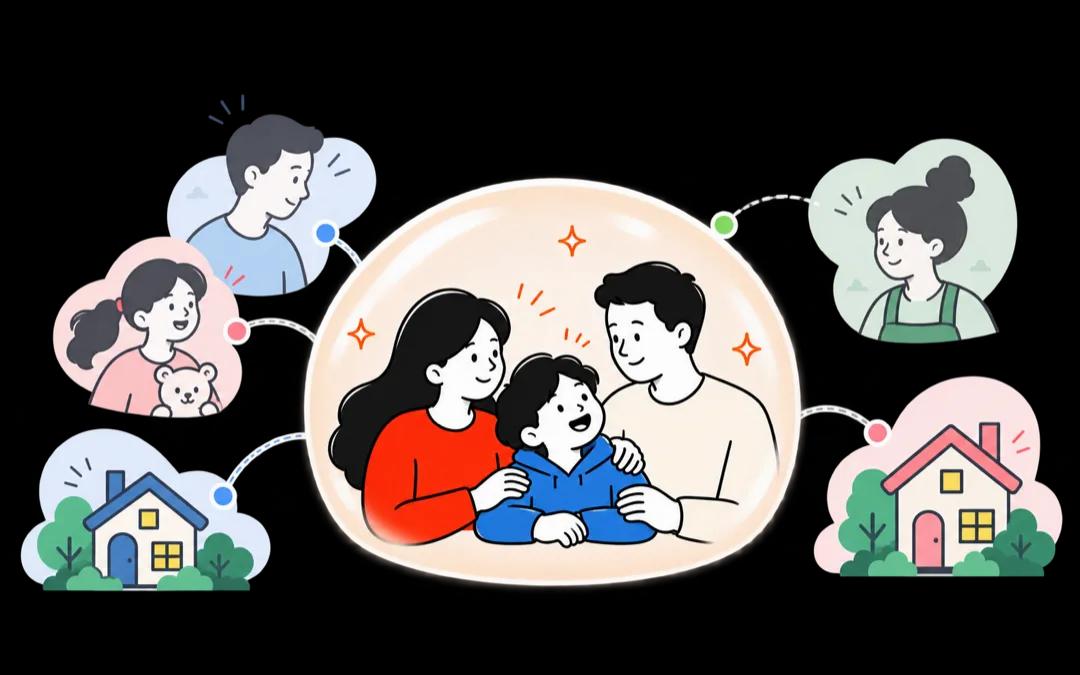
What the other parent sees
- The custody schedule you both agreed on
- Only the events you choose to share
- Your child's own events, if they add any
- Requests, answers and the chat between you
What they never see
- Your other events, lists, chores or meal plans
- Your partner, other kids, grandparents or helpers
- Your family's name and photo, or who's in it
- Anything at all once the link is paused or ended
You always see what your child sees
Kids Link shows you your child's calendar exactly as it looks on their phone, two weeks ahead. That includes what the other parent puts in it without sharing it with you, so what your child sees is never a surprise to you.
Built for parents who get along.
Most co-parenting apps are built around conflict: certified records, recorded calls, tone checkers. Kids Link is built for the everyday, and it comes with a full family app for each home. Here is how it lines up.
| Feature | Famnly | OurFamilyWizard | TalkingParents | AppClose | 2houses |
|---|---|---|---|---|---|
| Custody schedule in the calendar | ✓ | ✓ | ✓ | ✓ | ✓ |
| Swap requests the other parent answers | ✓ | ✓ | — | ✓ | ✓ |
| Your own calendar stays private; share event by event | ✓ | — | — | — | — |
| A handover brief before each switch | ✓ | — | — | — | — |
| The child's own phone shows both homes | ✓ | ✓ | — | — | ✓ |
| One school timetable for both homes | ✓ | — | — | — | — |
| Private chat between the two parents | ✓ | ✓ | ✓ | ✓ | ✓ |
| A full family calendar for your own home | ✓ | — | — | — | — |
| Chores, allowance, meal plans and lists | ✓ | — | — | — | — |
| Add events by voice or from a photo | ✓ | — | — | — | — |
| Expense tracking between parents | — | ✓ | ✓ | ✓ | ✓ |
| Court-ready records | — | ✓ | ✓ | ✓ | — |
Competitor features as published on their own sites on 1 November 2026. Kids Link is coming soon to Famnly. If something has changed, write to hello@famnly.com.
Questions parents ask.
When can we use Kids Link?
Soon. Kids Link is coming to Famnly, and we will share the date here when it is ready. You can start with Famnly as your family calendar today, so your home is set up when Kids Link arrives.
What is Kids Link?
Kids Link is the part of Famnly for children who live in two homes. Each parent keeps their own Famnly family, and the child links the two: a shared column with the custody schedule, the events either home chooses to share, and the child's own plans. Only the two parents see it.
Does the other parent need Famnly too?
Yes. The other parent needs their own Famnly account and their own family. You send an invite from the app, they open it and join. Their family stays theirs, and yours stays yours.
What does the other parent see of my calendar?
Only your child's shared column: the custody schedule you both agreed on, the events you chose to share, and your child's own events. Your other events, your partner, your other children, grandparents and helpers are never visible to them.
Can my new partner, or a grandparent, see Kids Link?
No. Kids Link is between the two linked parents only. Other adults in either home never see the link, the requests or the chat. Helpers in your family see your child's ordinary calendar in your home, never anything from the other home.
How do swaps work?
Either parent asks for a swap, a holiday plan or a new regular schedule, with a note and a date to reply by. The other parent accepts or declines in the app. Nothing changes until they answer, and every request has its own thread to talk it over.
What does our child see?
If your child has Famnly on their own device, their calendar shows the shared events from both homes and the custody schedule, whichever home they are in. Plans they add themselves show for both parents.
How does the school timetable work?
Once a child's school schedule is in Famnly, made from a photo of the timetable, it belongs to both homes. Either parent can change it, and the other is told.
What is the handover brief?
Before each switch, the parent taking over gets a short note of what is coming up in the days ahead: activities, school and shared events from both homes, so nothing falls through the cracks.
Is Kids Link a legal or court tool?
No. Kids Link is for parents who co-parent amicably and want everyday life to run smoothly. It does not produce certified records or court documentation. If you need that, use a tool built for it.
Does it work for blended families and more than two homes?
Yes. Each child has their own link, so two children with two different other parents work fine. Your own household, with a partner and other kids, lives in your Famnly family as usual.
Which languages does it speak?
Famnly speaks nine languages: English, Swedish, Spanish, German, Danish, Finnish, Norwegian, French and Japanese. Each parent uses their own, and notifications arrive in the recipient's language and time zone.
Can I pause it or turn it off?
Yes. Either parent can pause Kids Link, and both see it paused. You can also leave the link, or turn it off for good. Your own calendar stays exactly as it was.

Co-parent across every home.
Kids Link is coming soon. Start with Famnly today, the family calendar it lives in, and your home is ready the day you link your child.
Try Famnly nowOn iPhone and Android: App Store · Google Play